How to choose a POS system for your shop: a practical checklist
Billing speed, stock accuracy, branches, reports and support — the questions to ask before you pay for any point-of-sale software.
Infosoftix Team5 min read
Read in বাংলা
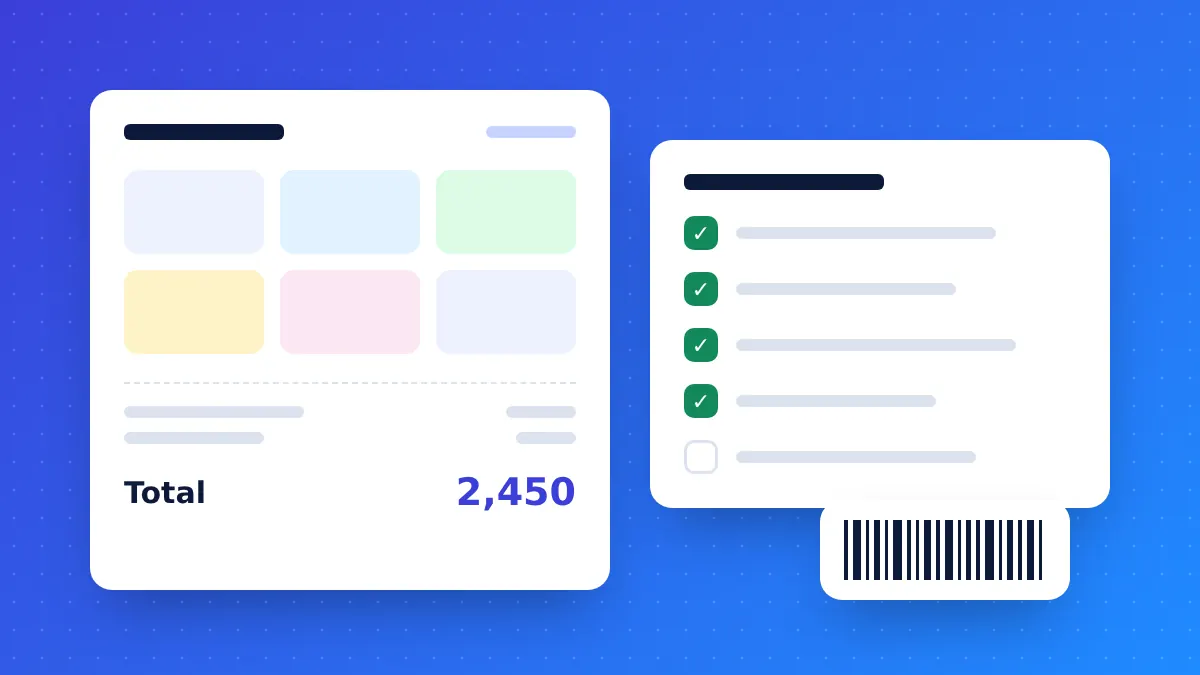
A point-of-sale (POS) system is the software your counter uses every minute of the day. Choose well and billing gets faster, stock stays accurate and you can see your business from your phone. Choose badly and staff work around it with paper again. Use this checklist when you compare options — including ours.
1. Billing has to be fast at the counter
Ask to bill a real basket during the demo. Check that you can:
- Scan barcodes or search products by name in a second or two
- Apply discounts, coupons and loyalty points without leaving the bill
- Take split payments — part cash, part card or mobile wallet
- Keep selling if the internet drops for a while
- Print a clear receipt on a normal thermal printer
2. Stock must update itself
Every sale, purchase, return and damage entry should change stock automatically. Look for low-stock alerts, expiry tracking if you sell medicine or food, and warranty or serial numbers if you sell electronics.
3. Think one or two years ahead
If you plan a second outlet or a warehouse, the system should handle branches, stock transfers between them and branch-wise reports from day one. Moving to new software later is far more painful than choosing one that can grow.
4. Reports you will actually read
You should not need Excel to answer “How much did I sell today, and what was the profit?”. Check for daily sales, profit, expense, stock value and due/credit reports — and whether you can open them on a phone.
5. Accounts, dues and suppliers
Customer credit, supplier payments and expenses belong in the same system as sales. Otherwise your profit figure is always a guess.
6. Access control for staff
Each person should see only what their job needs. A cashier does not need to edit purchase prices or delete invoices.
7. Cloud, backup and support
Cloud software runs in a browser, so there is no server to maintain and your data is not lost if a computer breaks. Ask who sets the system up, who trains your staff and how quickly support answers.
8. Try it with your own products
A free trial tells you more than any brochure. Add ten of your real products, bill a few sales and look at the reports the next morning.
Retail POS & ERP covers every point on this list. Register for the 14-day free demo or see all features.
Related articles
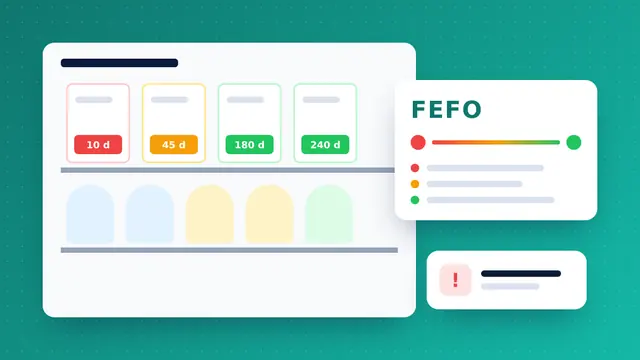
Expiry dates and FEFO: stop losing money on expired stock
Pharmacies and supershops lose margin to products that expire on the shelf. Batch tracking and first-expiry-first-out selling fix most of it.
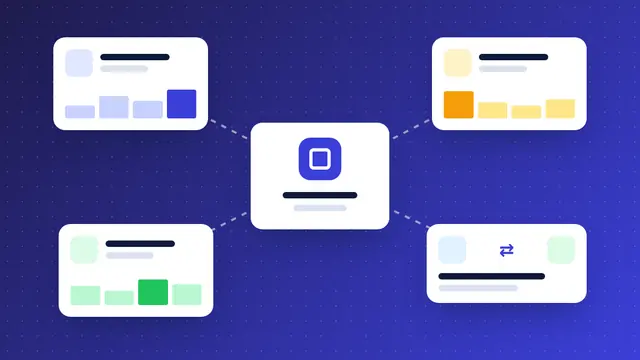
Running several branches? How to keep stock and cash under control
A second outlet doubles the places where stock and cash can go missing. Central software, transfers and branch-wise reports keep the owner in control.
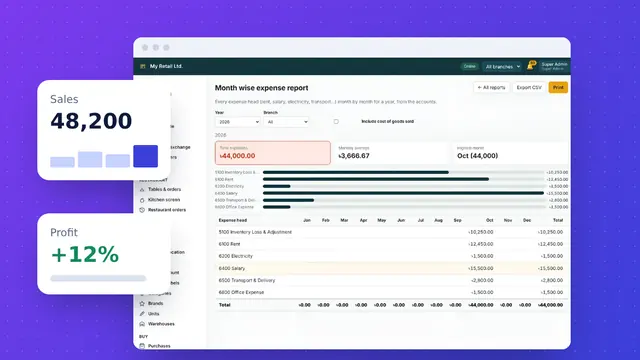
5 reports every shop owner should check every day
Ten minutes with the right reports each morning tells you what sold, what you earned, where money went and what to reorder.