Expiry dates and FEFO: stop losing money on expired stock
Pharmacies and supershops lose margin to products that expire on the shelf. Batch tracking and first-expiry-first-out selling fix most of it.
Infosoftix Team4 min read
Read in বাংলা
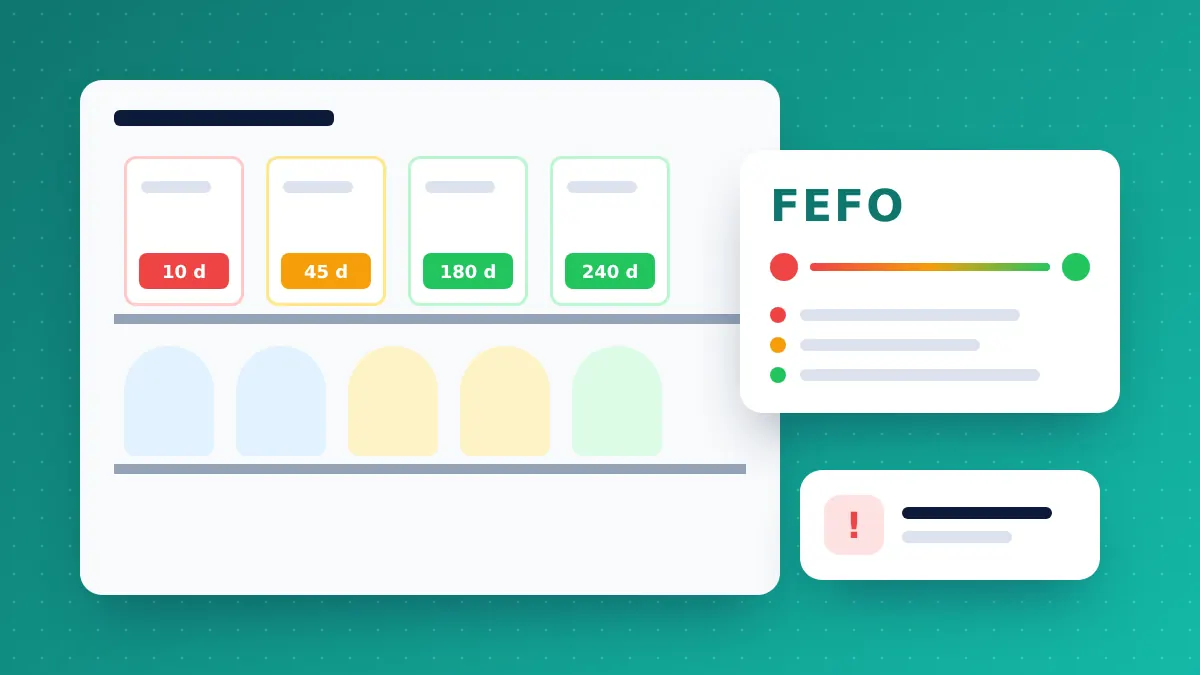
For a pharmacy, a supershop or any shop that sells food, cosmetics or medicine, expired stock is money thrown away. It also carries a bigger risk: selling an expired item damages trust and can break regulations. The fix is not more manual checking — it is recording expiry at the moment stock arrives.
FIFO is not enough
Many shops sell “first in, first out” (FIFO). But the batch that arrived first does not always expire first — a later delivery can carry a shorter date. FEFO — first expiring, first out — sells the batch with the nearest expiry date first, whatever order it arrived in.
How FEFO works in a POS
- Record the batch and expiry on purchase. Each delivery is entered with its batch number and expiry date.
- The POS picks the right batch. When the cashier scans the product, stock is taken from the batch that expires soonest.
- Short-dated stock stays visible. An expiry countdown shows which items are close to their date, so you can discount them, return them to the supplier or move them to another branch in time.
Where it matters most
- Pharmacies — medicine batches, short-dated stock and supplier returns
- Supershops and groceries — dairy, packaged food, beverages and cosmetics
- Baby care and health stores — formula, supplements and personal care
Warranty is the same idea for electronics
Electronics and mobile shops have the opposite problem: they need to know when a customer’s warranty ends. Recording serial numbers and warranty periods at sale makes claims quick and honest for both sides.
A simple routine
- Enter batch and expiry for every new delivery.
- Check the “expiring soon” report once a week.
- Run promotions or return short-dated stock while it can still be sold.
Retail POS & ERP supports expiry dates with a countdown, FEFO selling and warranty checks with serial/IMEI numbers. Try it free for 14 days.
Related articles
How to choose a POS system for your shop: a practical checklist
Billing speed, stock accuracy, branches, reports and support — the questions to ask before you pay for any point-of-sale software.
Running several branches? How to keep stock and cash under control
A second outlet doubles the places where stock and cash can go missing. Central software, transfers and branch-wise reports keep the owner in control.
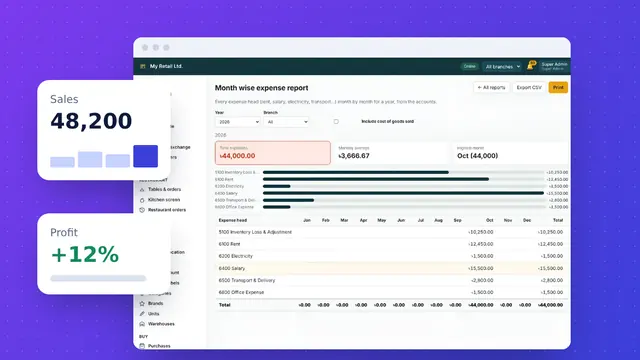
5 reports every shop owner should check every day
Ten minutes with the right reports each morning tells you what sold, what you earned, where money went and what to reorder.