5 reports every shop owner should check every day
Ten minutes with the right reports each morning tells you what sold, what you earned, where money went and what to reorder.
Infosoftix Team4 min read
Read in বাংলা
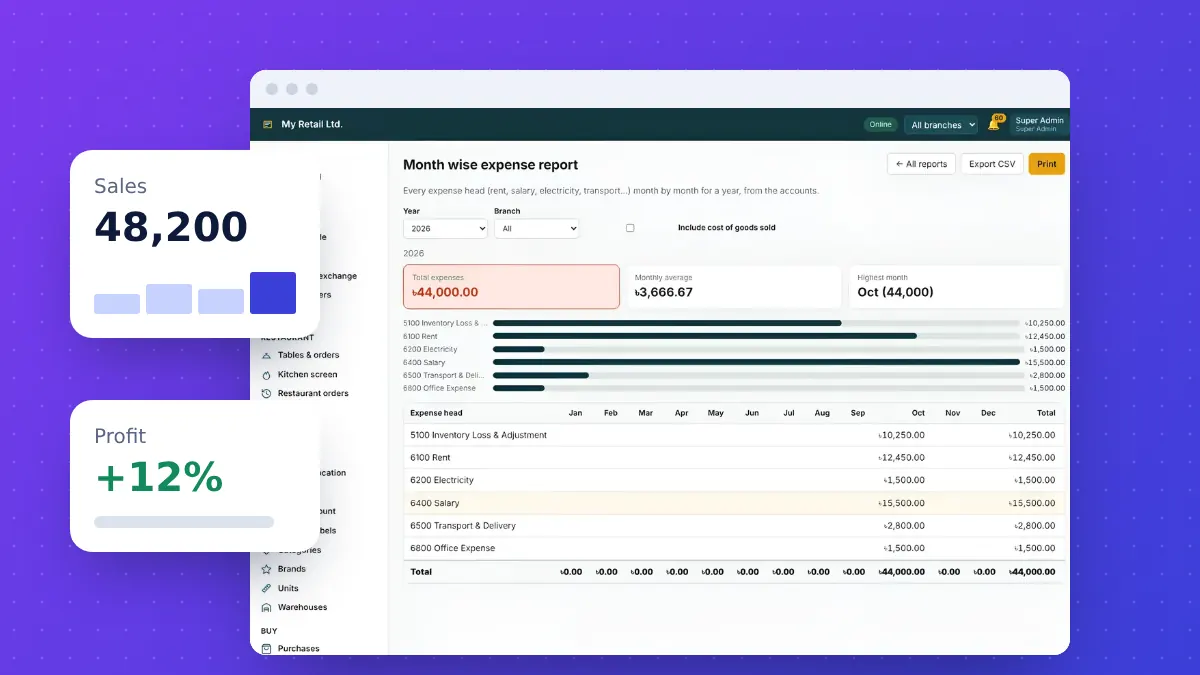
Most owners know their business by feel. Reports turn that feeling into numbers you can act on. You do not need dozens — these five, checked every morning, cover most decisions.
1. Sales summary
Yesterday’s total sales, number of bills and average bill value, split by payment method. A sudden drop in the number of bills tells a different story from a drop in the average bill.
2. Profit
Sales minus the cost of the goods sold. A good POS calculates this automatically from purchase prices, so you know whether a busy day was also a profitable one.
3. Expenses
Rent, salaries, electricity, transport and everything else, grouped by head and by month. An expense report like the one in the picture above shows which costs are growing before they eat into profit.
4. Stock alerts
Items below their reorder level, items expiring soon and items that have not sold for weeks. This is your purchase list and your promotion list in one place.
5. Dues and credit
Who owes you money, and whom you owe. Following up on customer dues every week is one of the simplest ways to improve cash flow.
Make it a habit
- Open the dashboard on your phone at the same time every morning.
- Look at the same five reports in the same order.
- Write down one action for the day — reorder, follow up a due or start a promotion.
All of these reports are built into Retail POS & ERP, including branch-wise views. Try it free for 14 days.
Related articles

How to choose a POS system for your shop: a practical checklist
Billing speed, stock accuracy, branches, reports and support — the questions to ask before you pay for any point-of-sale software.
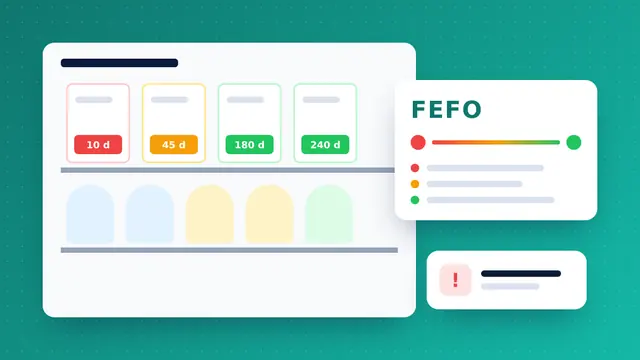
Expiry dates and FEFO: stop losing money on expired stock
Pharmacies and supershops lose margin to products that expire on the shelf. Batch tracking and first-expiry-first-out selling fix most of it.

Running several branches? How to keep stock and cash under control
A second outlet doubles the places where stock and cash can go missing. Central software, transfers and branch-wise reports keep the owner in control.