What a school management system should do — and what to ask before you buy
Admissions, attendance, exams, fees and parent communication in one place. A guide for principals and school owners planning to go digital.
Infosoftix Team5 min read
Read in বাংলা
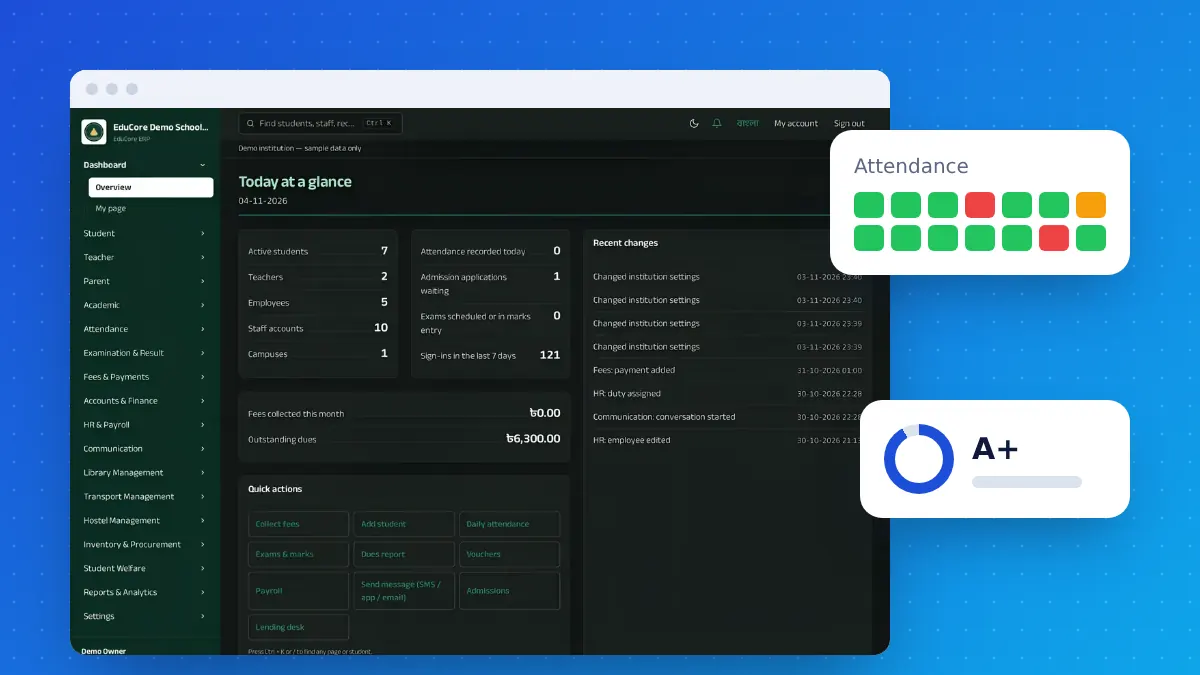
Schools, colleges and madrasas run on registers: admission files, attendance books, mark sheets, fee ledgers. A school management system (often called a school ERP) brings them into one place so teachers spend less time on paperwork and the office always has up-to-date information.
The modules that matter
- Admissions and student records — one profile per student with guardian details, documents and history.
- Attendance — daily class attendance for students and staff, with reports by class and month.
- Exams and results — marks entry by subject, automatic grades and GPA, printable report cards and merit lists.
- Fees and accounts — fee heads, monthly invoices, receipts, dues and income/expense reports.
- Timetable and classes — classes, sections, subjects and teacher assignments.
- Communication — SMS or notices to parents about absence, results and dues.
- HR and payroll — staff records, leave and salary sheets.
Questions to ask before you buy
- Does it fit our grading system? Check that the result rules match your board or curriculum.
- Is it easy for teachers? If marks entry and attendance take longer than paper, teachers will not use it.
- Does it work in Bengali and English? Report cards and notices often need both.
- Who moves our existing data? Student lists and fee balances should be imported, not retyped.
- Can parents and the owner see information online? Cloud systems let authorised people check from anywhere.
- Who trains the staff, and how is support given?
Start with one module
Many institutions start with fees and student records, then add attendance and exams the next term. A phased start keeps the change manageable for teachers and office staff.
Our School & College ERP is coming soon. See what it will include or tell us about your institution to hear first when it launches.